
Unclear daily position
See sales, receipts, balances, stock status, and activity without waiting for manually prepared summaries.
Ganacsigaaga ku maamul kalsooni, xakameyn iyo go’aan cad.
Sabah-BMS connects sales, POS, inventory, purchases, accounting, customer debt, supplier payable, and management reports in one practical system.
Sabah-BMS wuxuu hal meel isugu keenayaa iibka, POS-ka, kaydka, iibsiga, xisaabaadka, deymaha iyo warbixinaha maamulka—si aad maalin kasta u ogaato halka ganacsigaagu taagan yahay.
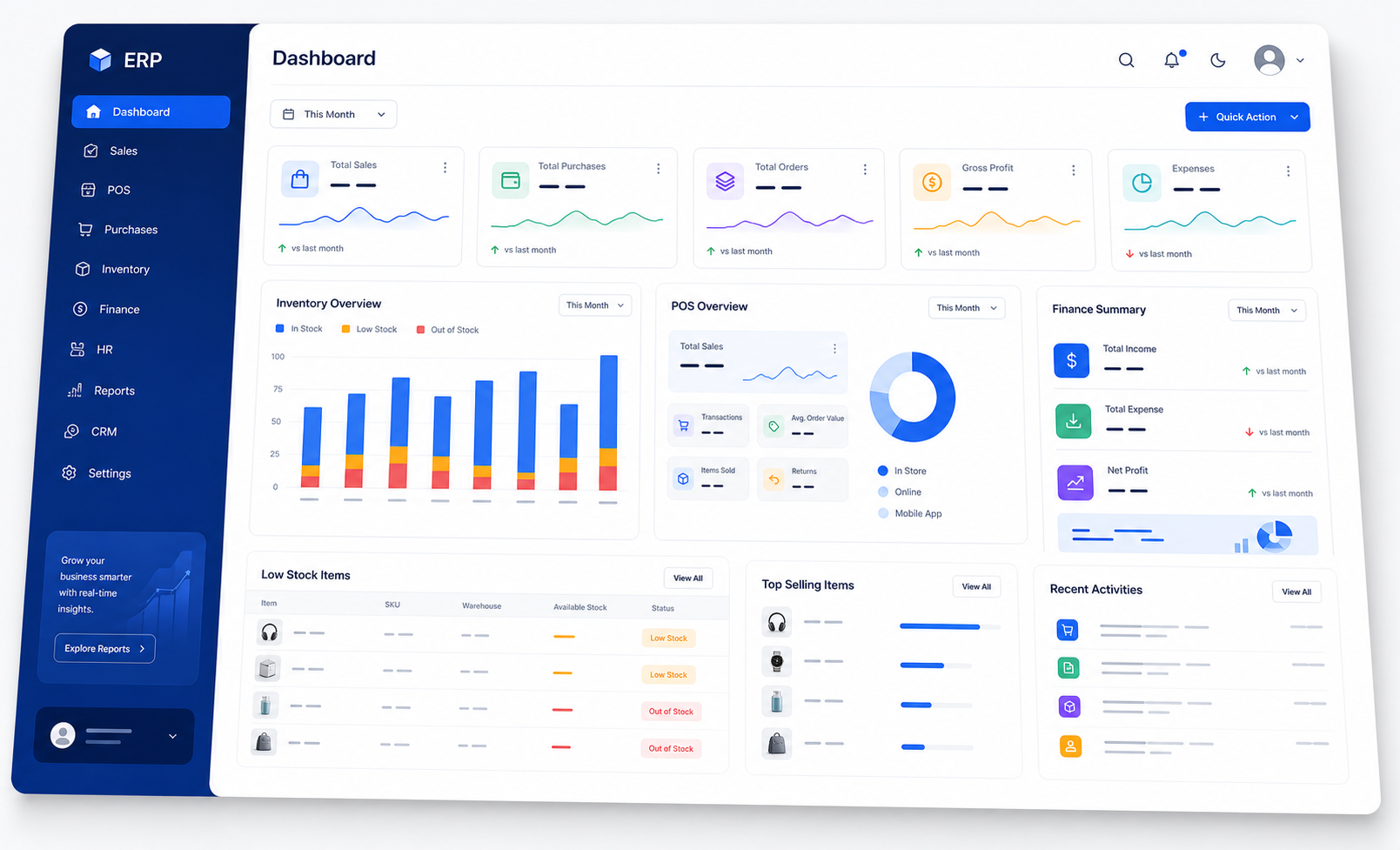
From uncertainty to control
When sales, stock, customer debt, supplier balances, and cash movement live in separate notebooks or spreadsheets, management becomes slow and unreliable. Sabah-BMS brings the key workflows together.
See sales, receipts, balances, stock status, and activity without waiting for manually prepared summaries.
Track quantities, movement, warehouses, valuation, batches, expiry dates, and low-stock signals more consistently.
Use connected operational and accounting reports to understand what happened and what needs management attention.
Sabah-BMS capabilities
Each module is designed to connect operational activity with the reports and controls needed by business owners, managers, accountants, cashiers, and stock teams.
Products, categories, units, stock movements, transfers, valuation, low stock, opening stock, and batch or expiry tracking when required.
Create sales, manage paid or credit invoices, receive customer payments, and follow customer balances and statements.
Ledgers, journals, trial balance, cash and bank books, profit and loss, and balance sheet controls.
Fast sales workflows for barcode retail, wholesale counters, electronics, clothing, furniture, and other high-volume sales environments.
Clear on-screen, PDF, and Excel outputs designed for real business review and client-facing use.
Record purchases, supplier payments, landed costs, payable balances, supplier statements, and purchase reporting.
Support controlled user access, posted transaction locks, payment method configuration, and stronger accountability across sensitive workflows.
Management workspace
Owners and managers need more than totals. Sabah-BMS organizes sales, purchases, stock, receivables, payables, cash, bank, and reports into a practical business control center.
Industry fit
Different industries need different product fields, workflows, reports, and controls. Sabah-BMS can be configured around the modules that matter most.
Batch, expiry, product detail, stock movement, customer credit, and pharmacy-focused reporting.
Explore fitPurchases, warehouses, customer debt, supplier payable, units, landed cost, and branch-ready controls.
Explore fitBarcode POS, payment methods, product images, daily close, inventory control, and fast customer service.
Explore fitFocused systems for tax, HR, payroll, dental clinics, hotel booking, and other workflows that need a dedicated solution.
Explore fitImplementation journey
Successful systems are not only installed. They are configured, tested, explained, and supported around real business work.
We review your products, users, branches, stock flow, sales process, payments, and reporting priorities.
We configure accounts, warehouses, payment methods, products, opening data, and relevant modules.
Critical workflows are tested, then users are trained according to their responsibilities.
We support the transition, resolve practical issues, and continue improving reports and workflows.
Common questions
The guided demo is tailored to your business type and the controls you need most.
Sabah-BMS is designed around configurable modules. The demo can focus on retail, wholesale, pharmacy, service, clinic, spare parts, construction materials, or another stock and transaction-based business.
Yes. Sales, purchases, receipts, supplier payments, customer statements, supplier statements, and outstanding balances are central parts of the system.
Batch and expiry workflows can be enabled where needed, especially for pharmacy, medical, food, and regulated inventory.
Yes. Training is organized by role so owners, managers, accountants, cashiers, sales users, and inventory staff learn the workflows relevant to them.
Sabah-BMS is being developed with premium PDF and Excel reporting in mind, including polished formats suitable for internal review and client-facing use.
See Sabah-BMS in action
Tell us your business type, current challenges, number of users, branches, and the reports you need. We will guide the demo around your workflow.